
DINO IPTV

👥 Sub-Sellers – DINO IPTV Panel
View and manage all sub-seller accounts in the DINO IPTV Panel. Monitor credits, status, and activity for each sub-seller from one organized dashboard.

➕ How To Add New Sub-Seller – DINO IPTV Panel
Learn how to add sub-seller accounts in the DINO IPTV Panel. Set usernames, permissions, and credit limits with full control using the intuitive add sub-seller interface.

📊 Subscription Logs – DINO IPTV Reseller Panel Guide
Learn how to use the Subscription Logs page in the DINO IPTV Reseller Panel to track activations, renewals, and subscription history with full transparency.

💳 Transactions Logs – DINO IPTV Reseller Panel Guide
Track and monitor all financial activity in the DINO IPTV Reseller Panel Transactions Logs. View credit usage, purchases, and balance changes with full transparency.

🔄 Transfer Logs – DINO IPTV Reseller Panel Guide
Monitor all credit transfers in the DINO IPTV Reseller Panel Transfer Logs. Track senders, receivers, amounts, and time for accurate credit management.
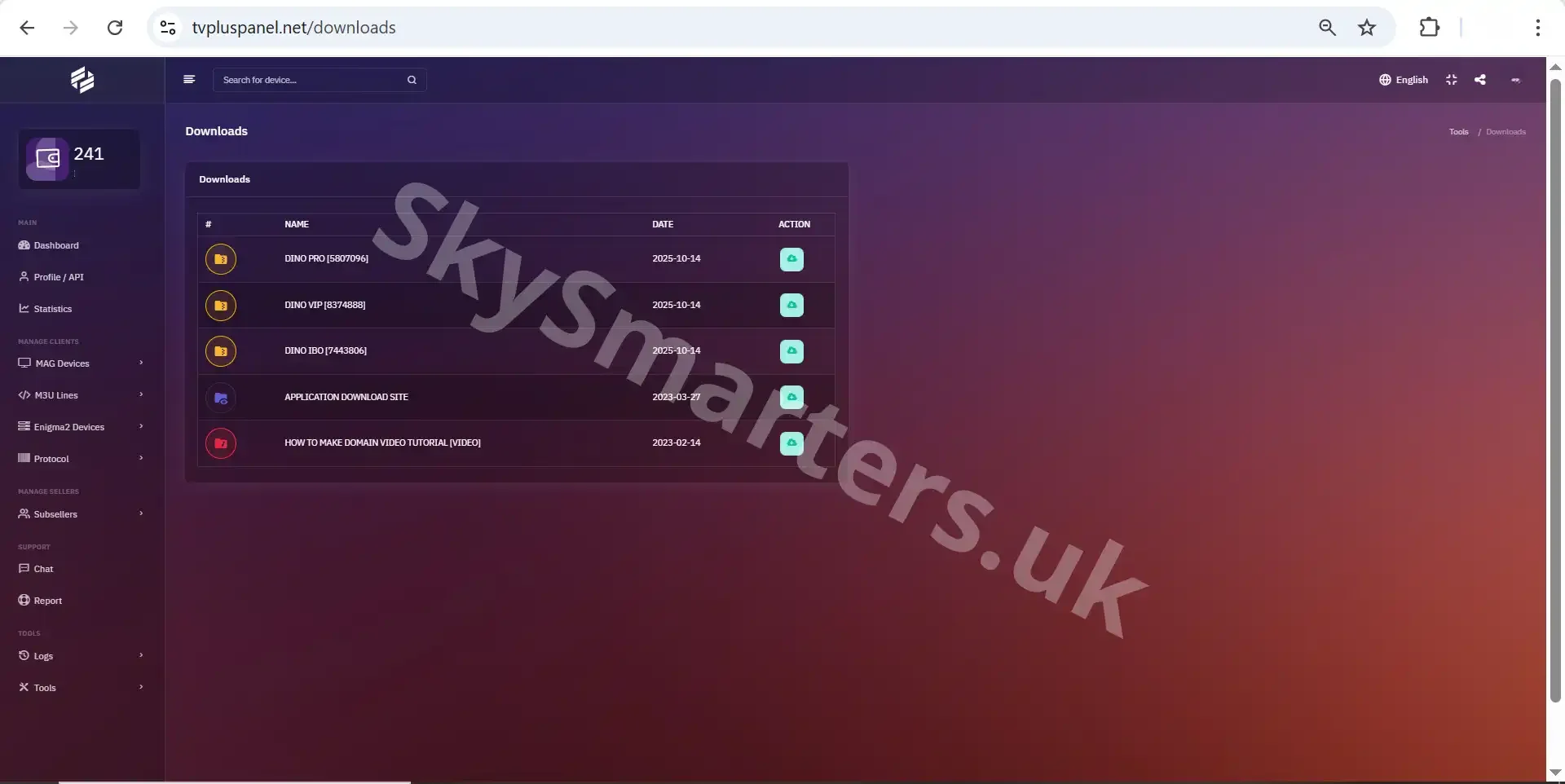
⬇️ DINO IPTV Downloads Page
The Downloads page in the DINO IPTV Reseller Panel allows users to download official IPTV applications compatible with Android, MAG, and Enigma2 devices for stable and secure service usage.