👥 How To Add New Reseller / Sub-Seller – My8K IPTV Panel Guide
The 8K IPTV Reseller Panel makes it easy to create new resellers and sub-sellers with fully customized permissions. This section of the panel is designed for IPTV businesses that want to expand their network and manage multiple sellers under one system.
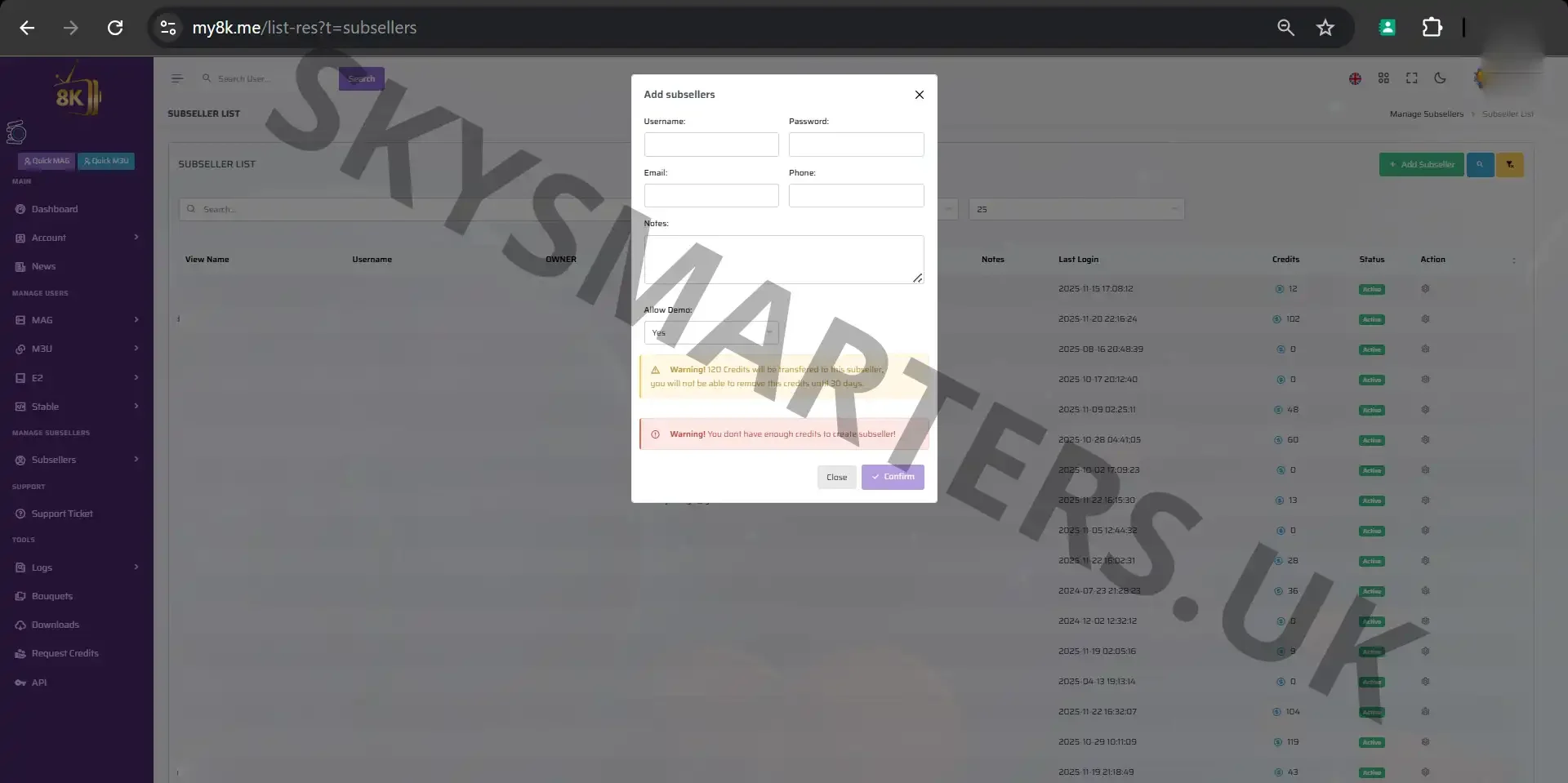
📌 Step-by-Step: Add a New Reseller or Sub-Seller
In the “Add New Reseller / Sub-Seller” page, you can assign login credentials, credit limits, and account permissions. This ensures your reseller has the correct access level within the My8K system.
- ✔ Enter username and password for the new reseller
- ✔ Set credit limit or balance
- ✔ Select reseller type (Main Reseller / Sub-Seller)
- ✔ Apply permissions such as: creating lines, editing users, generating trials, and more
- ✔ Click “Create” to activate the reseller account instantly
This feature helps you grow your IPTV business while keeping full control over every reseller or sub-seller operating under your main account.
🔧 Why This Feature Is Important
Adding resellers allows you to expand your sales stream and automate distribution. The My8K system gives you transparency over credits, activity logs, and user creation—making it one of the most powerful IPTV reseller panels available.
Need help or have questions? Contact us anytime via WhatsApp or Telegram.