
Tag: IPTV management

🔐 TREX IPTV Panel – Login Page
Access the TREX IPTV Panel securely via the login page. Enter your username and password to manage users, subscriptions, credits, and system settings.
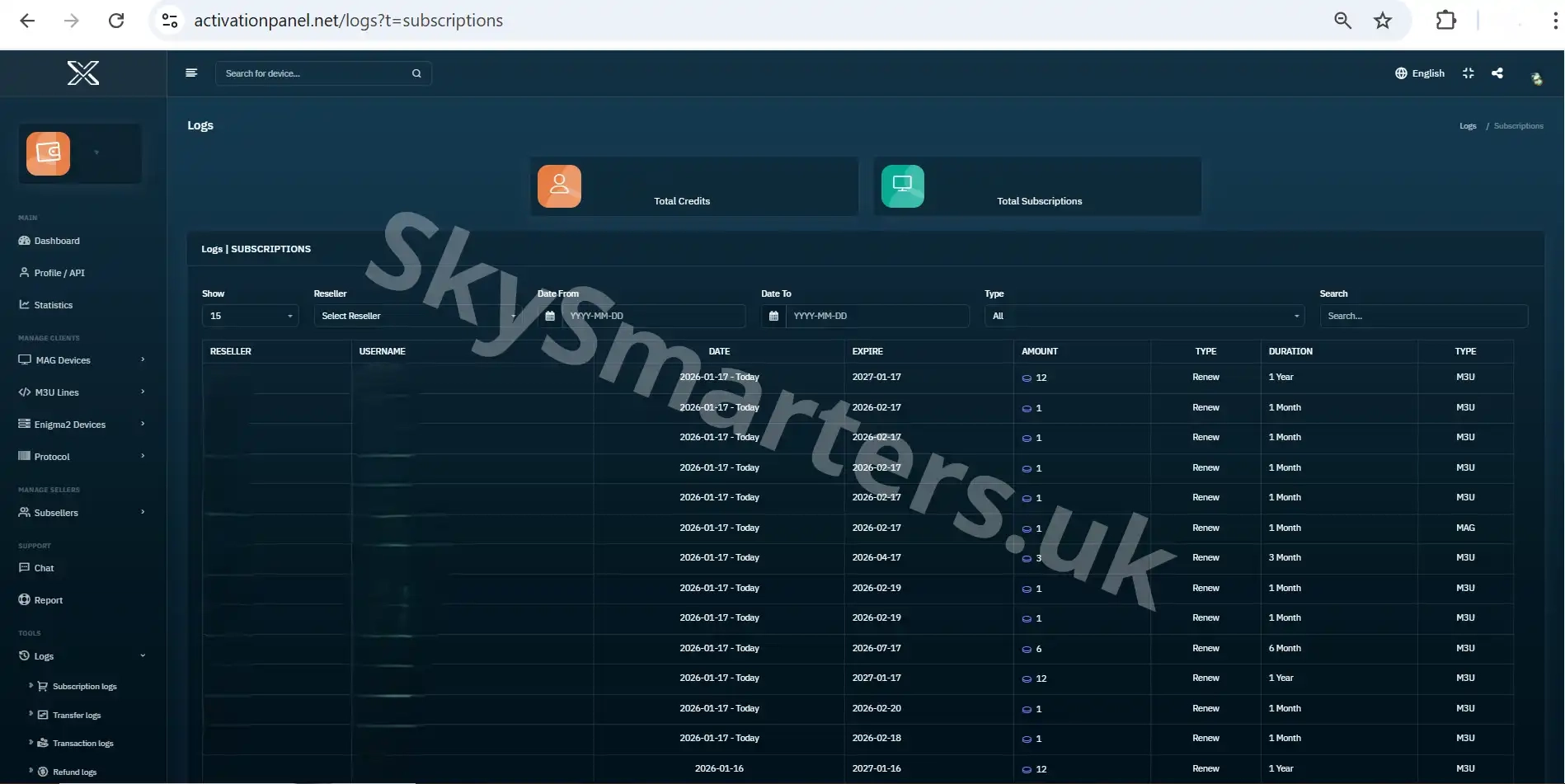
📦 TREX IPTV Panel – Subscriptions Log
Review all subscription activities in the TREX IPTV Panel Subscriptions Log, including activations, renewals, expiration dates, and package assignments.

📊 DINO IPTV Panel Dashboard – Your Control Center
Get a complete overview of your DINO IPTV Panel dashboard. See key metrics, recent activity, credit balance, and quick links to manage users, subscriptions, and logs efficiently.

⚡ Quick Add New MAG User – DINO IPTV Panel Guide
Quickly add new MAG users in the DINO IPTV Panel. Assign subscription plans, set device info, and create users instantly with the Quick Add feature.

📺 How To Add New MAG User – DINO IPTV Panel Guide
Learn how to add a new MAG user in the DINO IPTV Panel. Input MAC address, assign subscription plans, and activate accounts with accurate configuration.

📋 MAG User List – DINO IPTV Panel
View and manage all MAG users in the DINO IPTV Panel. Monitor subscriptions, MAC addresses, and user status with full control and easy navigation.

⚡How To Quick Add New M3U User Line – DINO IPTV Panel
Quickly create new M3U user lines in the DINO IPTV Panel. Assign subscription plans, set passwords, and activate users instantly with the Quick Add feature.

📋 M3U User List – DINO IPTV Panel
View and manage all M3U subscribers in the DINO IPTV Panel. Monitor subscription plans, expiration dates, and user details easily from one organized dashboard.

📺 How To Add New M3U User Line – DINO IPTV Panel
Learn how to add a new M3U user line in the DINO IPTV Panel. Configure usernames, passwords, subscription plans, and connection settings with full control.

⚡How To Quick Add New Enigma2 Account – DINO IPTV Panel
Quickly create new Enigma2 accounts in the DINO IPTV Panel using the Quick Add feature. Assign usernames, passwords, and subscriptions instantly with minimal steps.

📋 Enigma2 User List – DINO IPTV Panel
View and manage all Enigma2 subscriber accounts in the DINO IPTV Panel. Track plans, expirations, and user details easily from one organized dashboard.

👥 Sub-Sellers – DINO IPTV Panel
View and manage all sub-seller accounts in the DINO IPTV Panel. Monitor credits, status, and activity for each sub-seller from one organized dashboard.