
📦 TREX IPTV Panel – Subscriptions Log
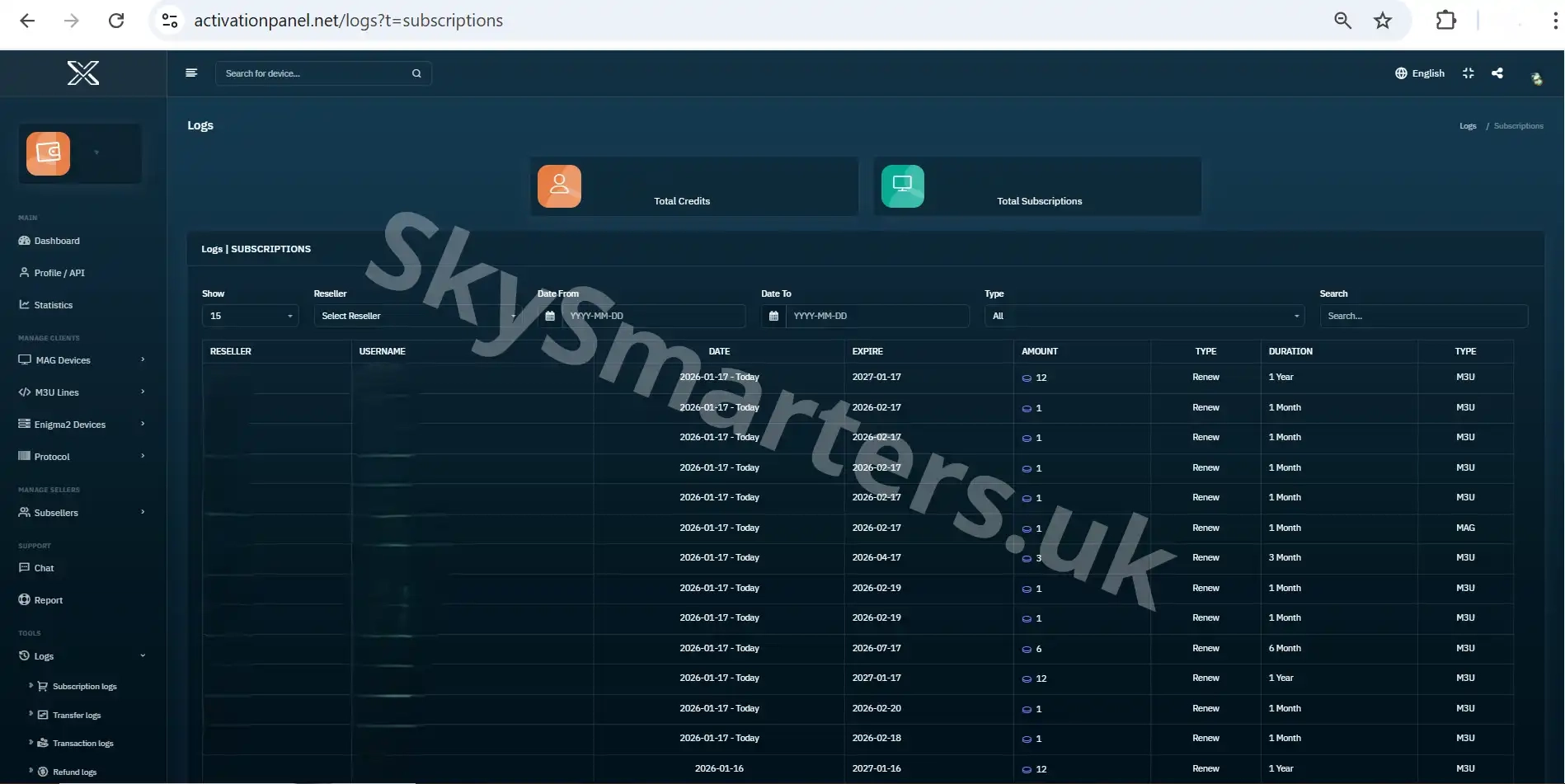
The Subscriptions Log page in the TREX IPTV Panel allows resellers to review all subscription-related activities. This section records every line activation, renewal, expiration, and package assignment performed within the panel.
📌 Subscription Activity Overview
Each entry in the Subscriptions Log provides clear details about subscription actions taken by resellers or sub-accounts. This helps ensure accuracy and transparency across all user accounts.
- ✔ Username or line associated with the subscription
- ✔ Subscription type or package name
- ✔ Action performed (activation, renewal, extension)
- ✔ Start and expiration dates
- ✔ Date and time the action was processed
By using the Subscriptions Log, resellers can easily verify service durations, review past actions, and confirm that subscriptions were applied correctly.
🔍 Why the Subscriptions Log Is Useful
This page is essential for monitoring service usage, resolving customer questions, and maintaining organized records. It gives resellers full visibility over subscription management without needing to access individual user accounts.
For more information Contact us via telegram or WhatsApp.
✔ +20,000 Live Channels
✔ Movies & Series
✔ Anti-Freeze Servers
✔ 24/7 Support

