
🔄 TREX IPTV Panel – Transfer Log
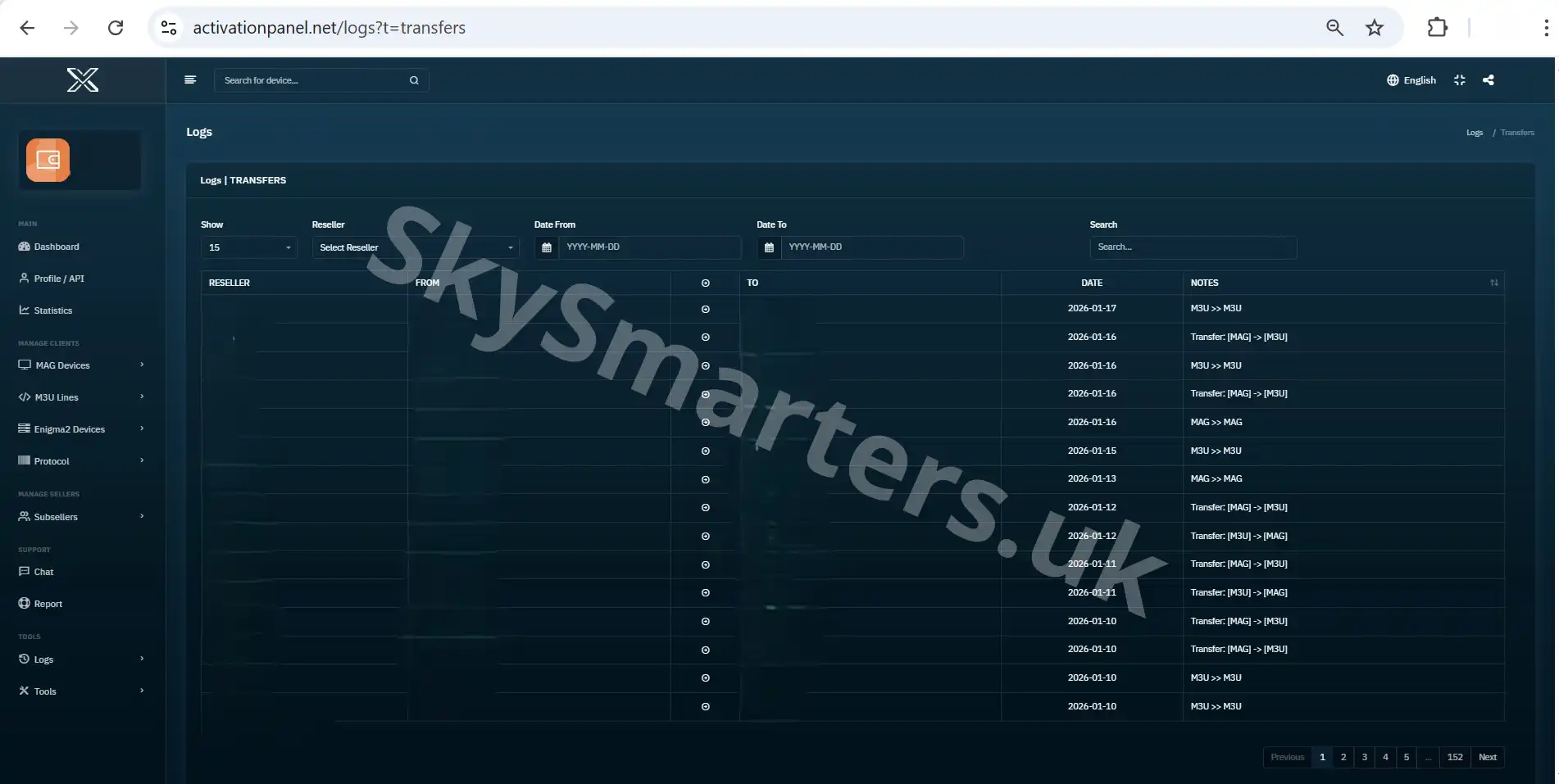
The **Transfer Log** page in the TREX IPTV Panel provides a detailed history of all credit transfers between accounts. This section helps resellers monitor credit movement between resellers, sub-sellers, and subscriber accounts with clarity and accountability.
📌 What You Can See in Transfer Log
This log displays every credit transfer made within the panel. Each entry provides key details that help you track and verify every transaction accurately.
- ✔ Sender and receiver account names
- ✔ Amount of credits transferred
- ✔ Date and time of the transfer
- ✔ Transfer reference or status info
- ✔ Updated credit balances after transfer
The Transfer Log helps resellers maintain accurate credit records, detect unusual activity, and keep full control of credit movements in their IPTV business.
🔧 Why This Feature Matters
With a clear transfer history, resellers can review past credit movements, resolve disputes, and ensure transparency in all credit actions. This is essential for professional IPTV operations and credit tracking.
If you need help understanding your transfer history, contact support via WhatsApp or Telegram.
✔ +20,000 Live Channels
✔ Movies & Series
✔ Anti-Freeze Servers
✔ 24/7 Support

