
📺 How to Add a New MAG Device in the My8K Reseller Panel
December 17, 2025
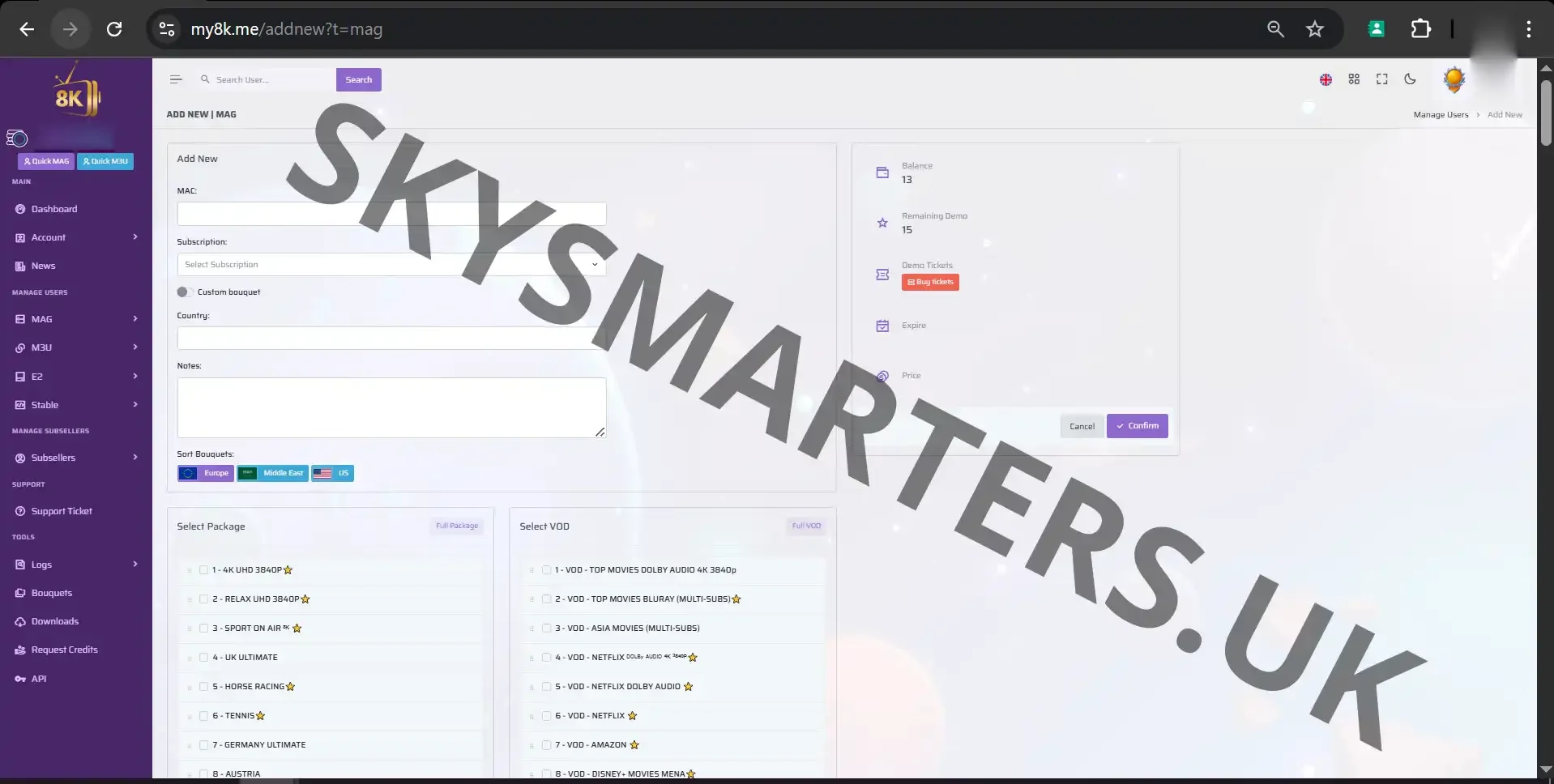
The My8K Reseller Panel makes it incredibly easy to activate MAG devices for your customers. The “Add New MAG” section is designed to help resellers quickly register devices, assign subscriptions, and manage portal settings with just a few clicks.
🔧 What You Can Do in the Add MAG Page
- ✔ Add MAG Boxes Instantly – Register any MAG device in seconds.
- ✔ Enter MAC Address Easily – Clean and simple input field for fast activation.
- ✔ Assign Subscription – Select the plan your customer needs.
- ✔ Portal URL Ready – System automatically applies the correct portal URLs.
- ✔ Auto-Save & Smart Validation – Avoid errors and ensure correct MAC format.
🚀 Fast MAG Activation Process
Adding a MAG device in My8K is super fast. Just enter the MAC address, choose the subscription type, and the system handles the rest. Perfect for resellers who activate many devices daily.
📡 Reliable MAG Support
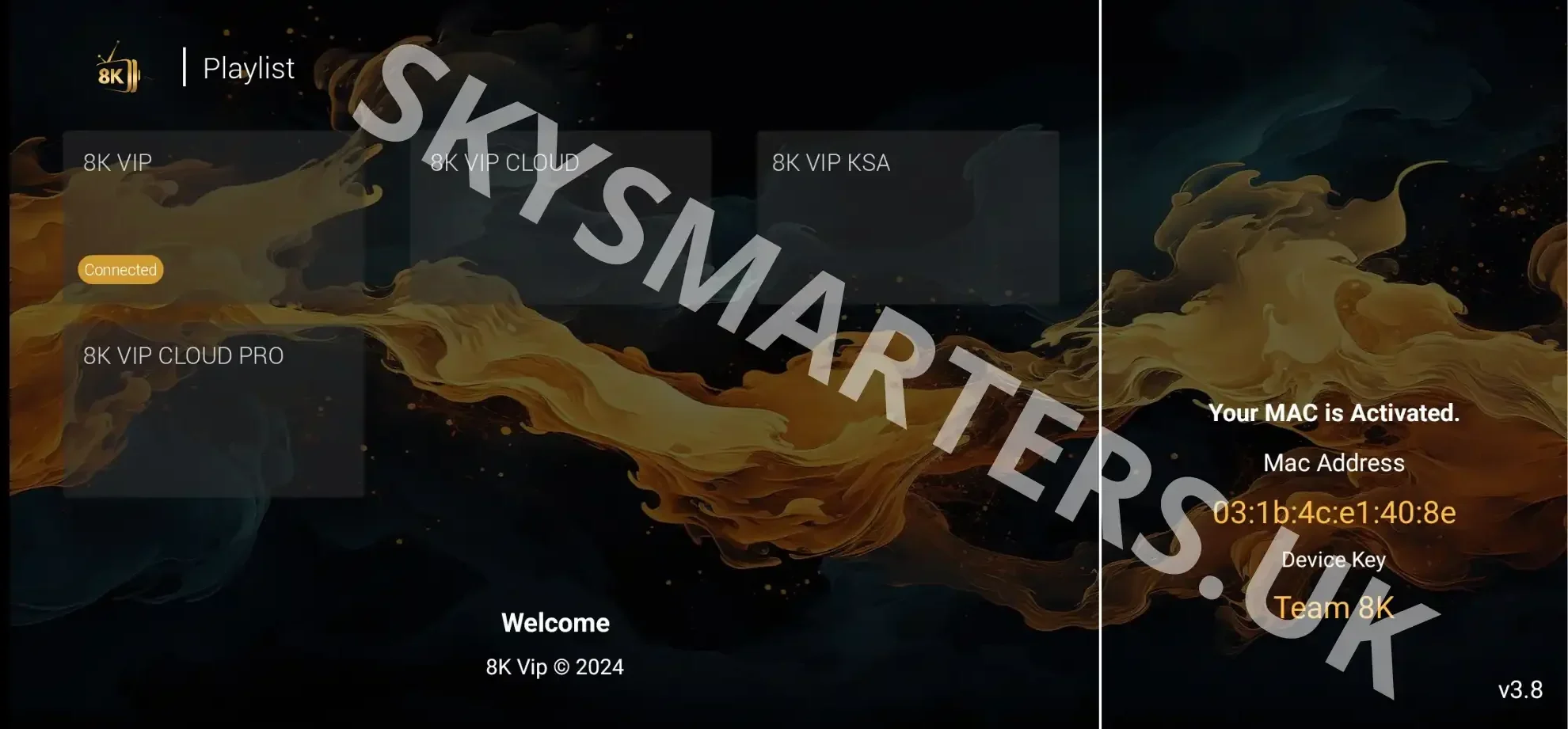
My8K ensures stable MAG performance with the right portal configuration, allowing customers to enjoy smooth IPTV viewing without buffering or connection issues.
🔥 With My8K, MAG device activation becomes faster, easier, and fully optimized for resellers.

Posted in My8K