
Tag: TREX Panel Guide
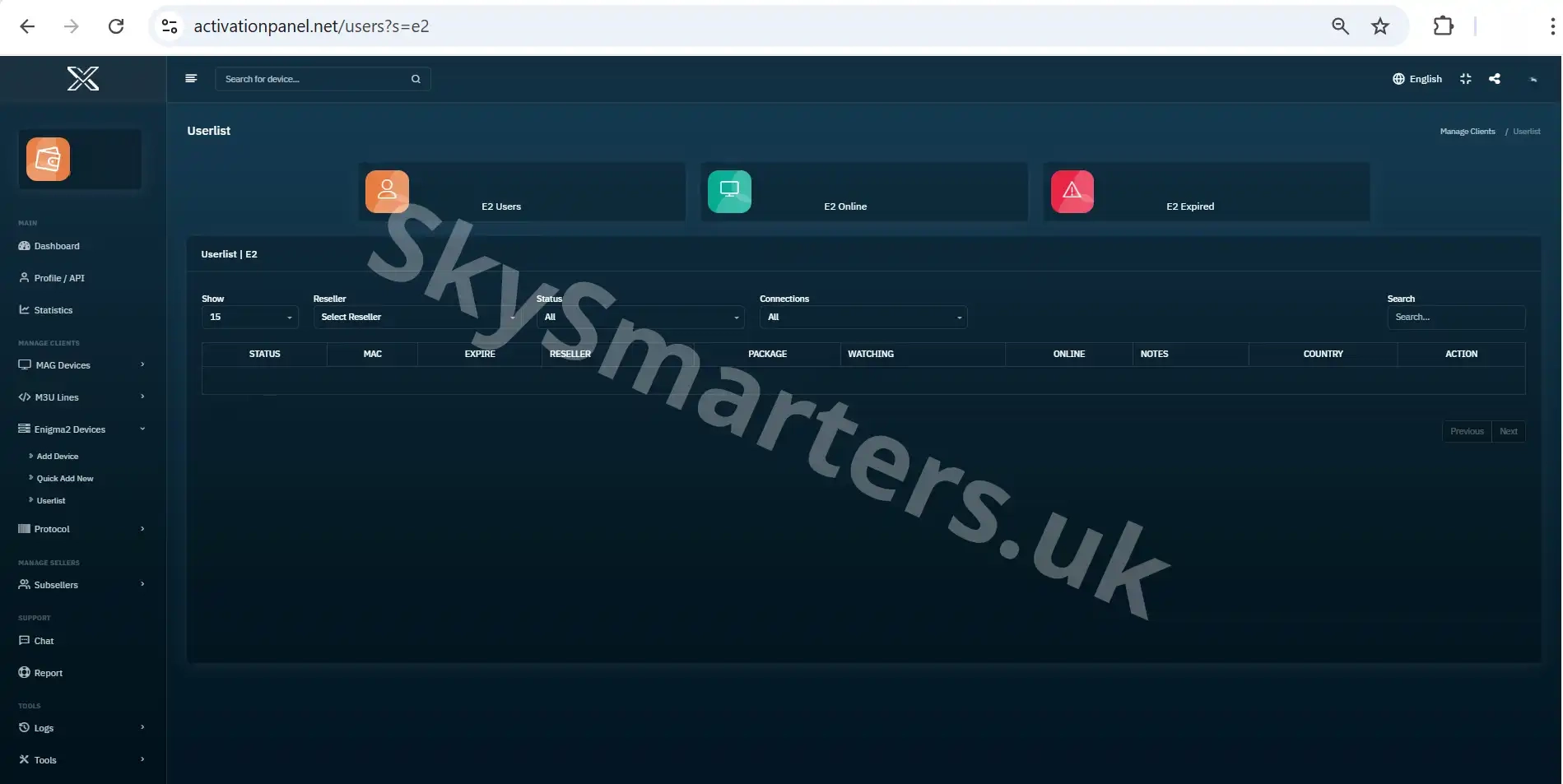
📋 Enigma2 User List – TREX IPTV Panel
View and manage all Enigma2 accounts in the TREX IPTV Panel. Track subscription status, edit details, and organize users easily from a centralized dashboard.

➕ Add New Sub-Seller – TREX IPTV Panel
Learn how to add a new sub-seller in the TREX IPTV Panel. Set usernames, credit limits, and permissions with careful configuration using the add sub-seller interface.
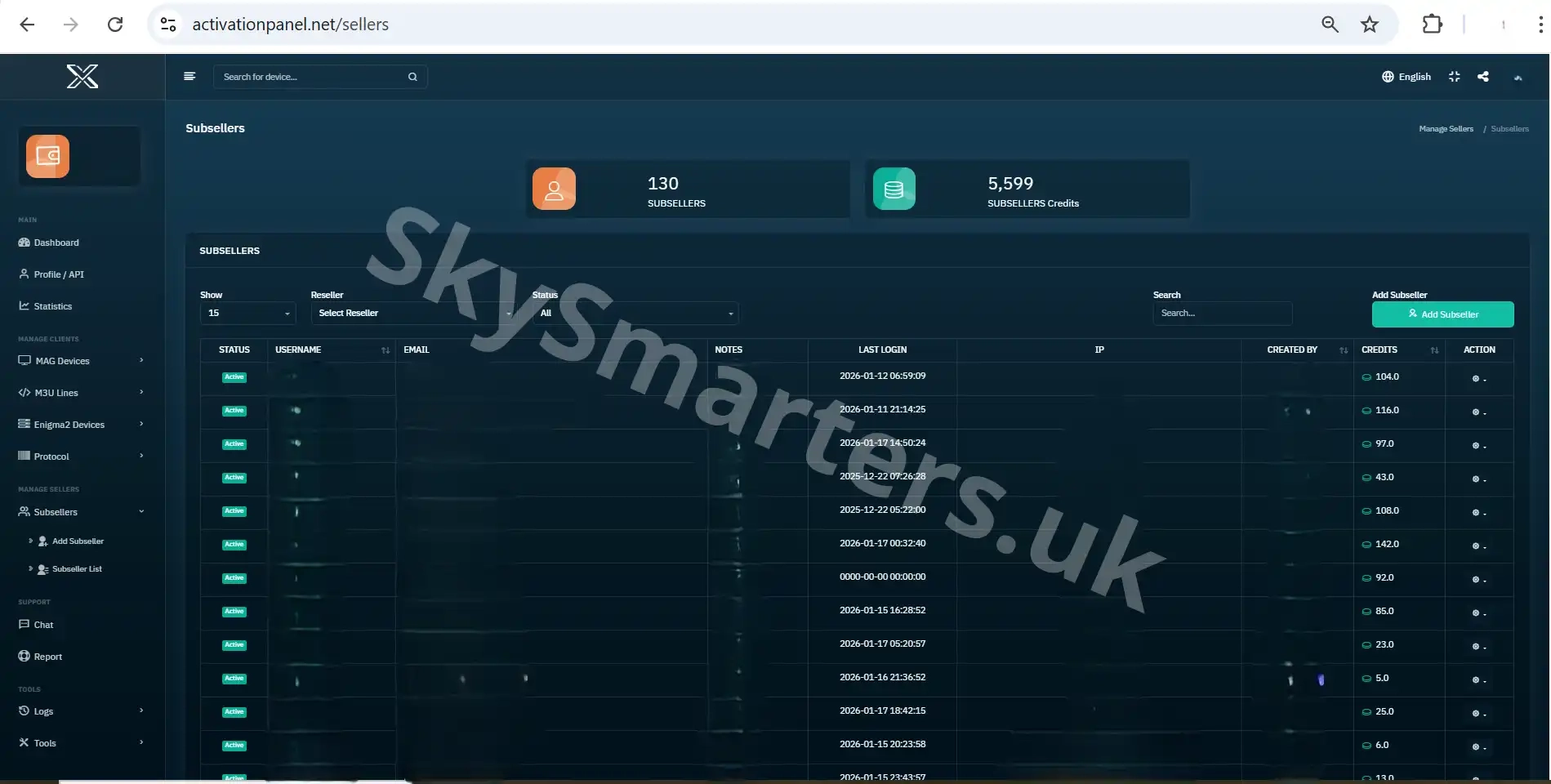
👥 TREX IPTV Panel – Sub-Sellers User List
View and manage all sub-seller accounts from one place using the TREX IPTV Panel Sub-Sellers User List. Monitor credits, activity, and account status easily.
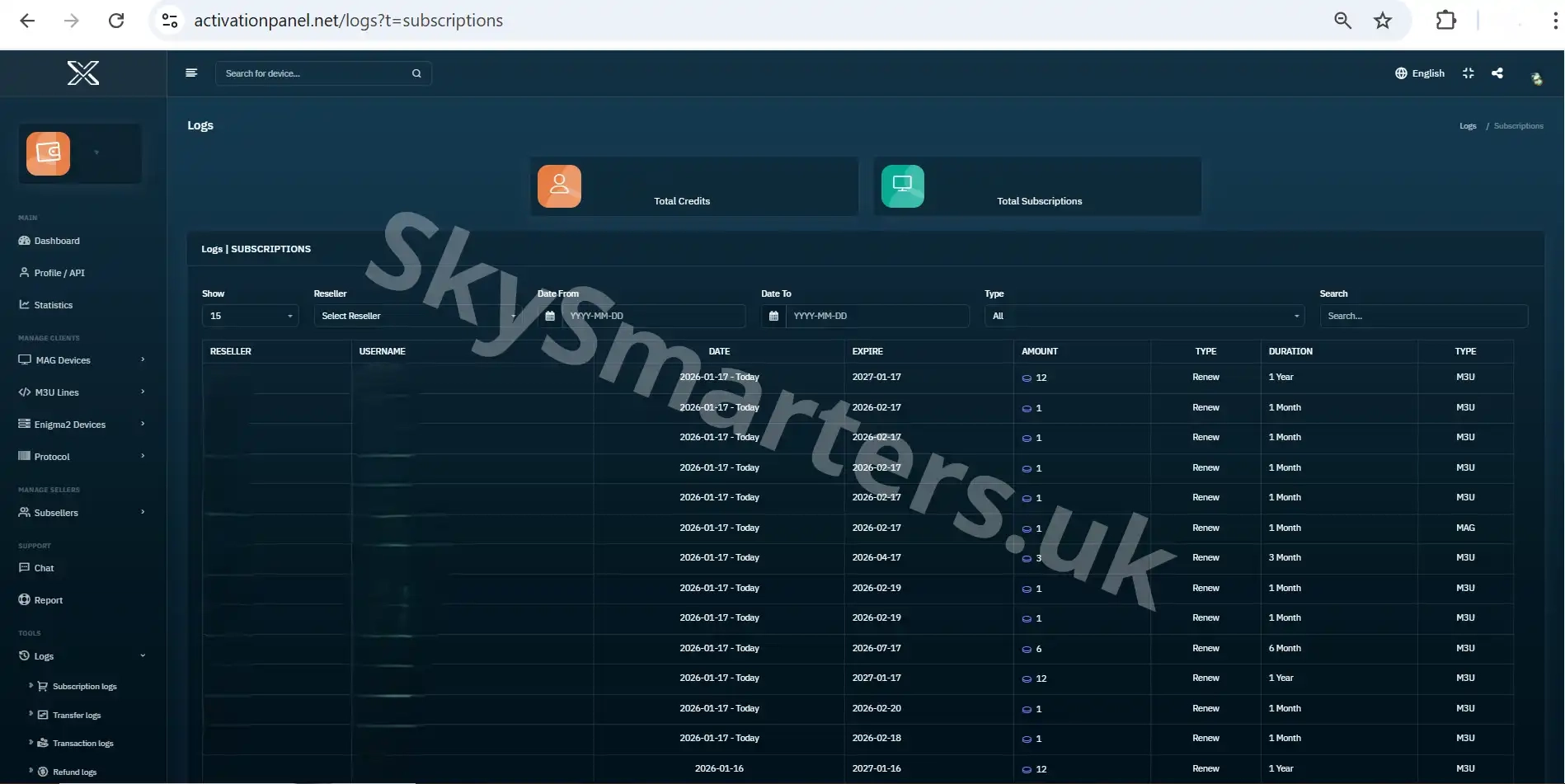
📦 TREX IPTV Panel – Subscriptions Log
Review all subscription activities in the TREX IPTV Panel Subscriptions Log, including activations, renewals, expiration dates, and package assignments.
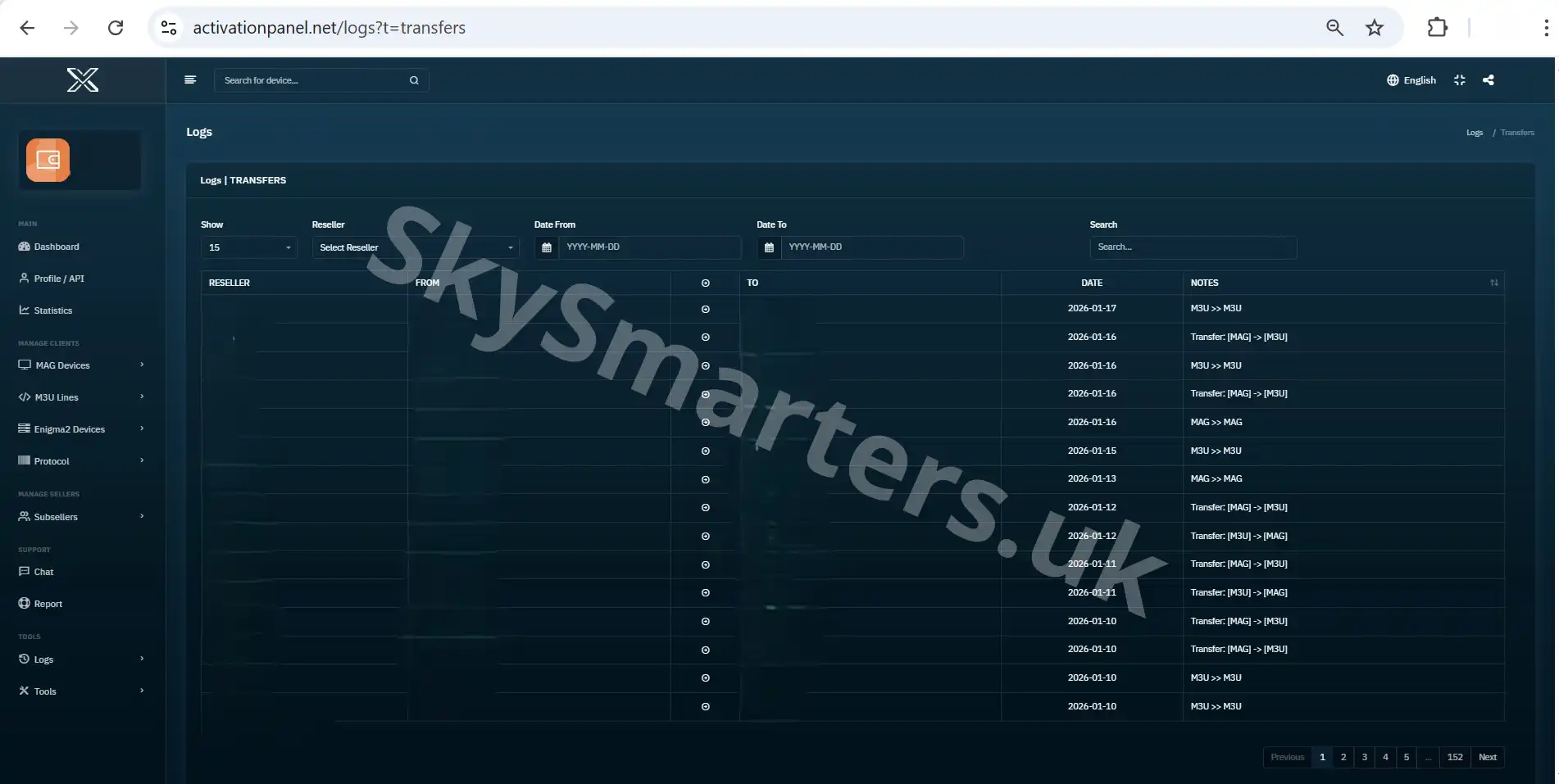
🔄 TREX IPTV Panel – Transfer Log
Track all credit transfers in the TREX IPTV Panel Transfer Log. Monitor sender, receiver, amounts, and time for accurate credit tracking and transparency.

💳 TREX IPTV Panel – Transactions Log
Monitor all financial transactions in the TREX IPTV Panel Transactions Log. Track credit usage, purchases, and balance changes with complete transparency.